What to Do If Your Utility Says They Never Received Your Backflow Test Report
You scheduled the test. The tester came out. The device passed. Then a week or two later, your water utility sends an overdue notice saying no report is on file.
That is frustrating, but it usually means one of two things: the report never reached the utility, or the utility could not match the report to the right property or assembly.
This article is the troubleshooting companion to our general guide on how to submit your backflow test report to your water utility. If the test is already done and the utility still says you are overdue, the goal is simple: identify the mismatch fast, resubmit through the right channel, and stay on the issue until your account is marked compliant.
For broader context, keep why backflow testing is required and our FAQs nearby. And if you still need field help, you can always find a tester in your area.
First confirm whether the report is missing or being rejected
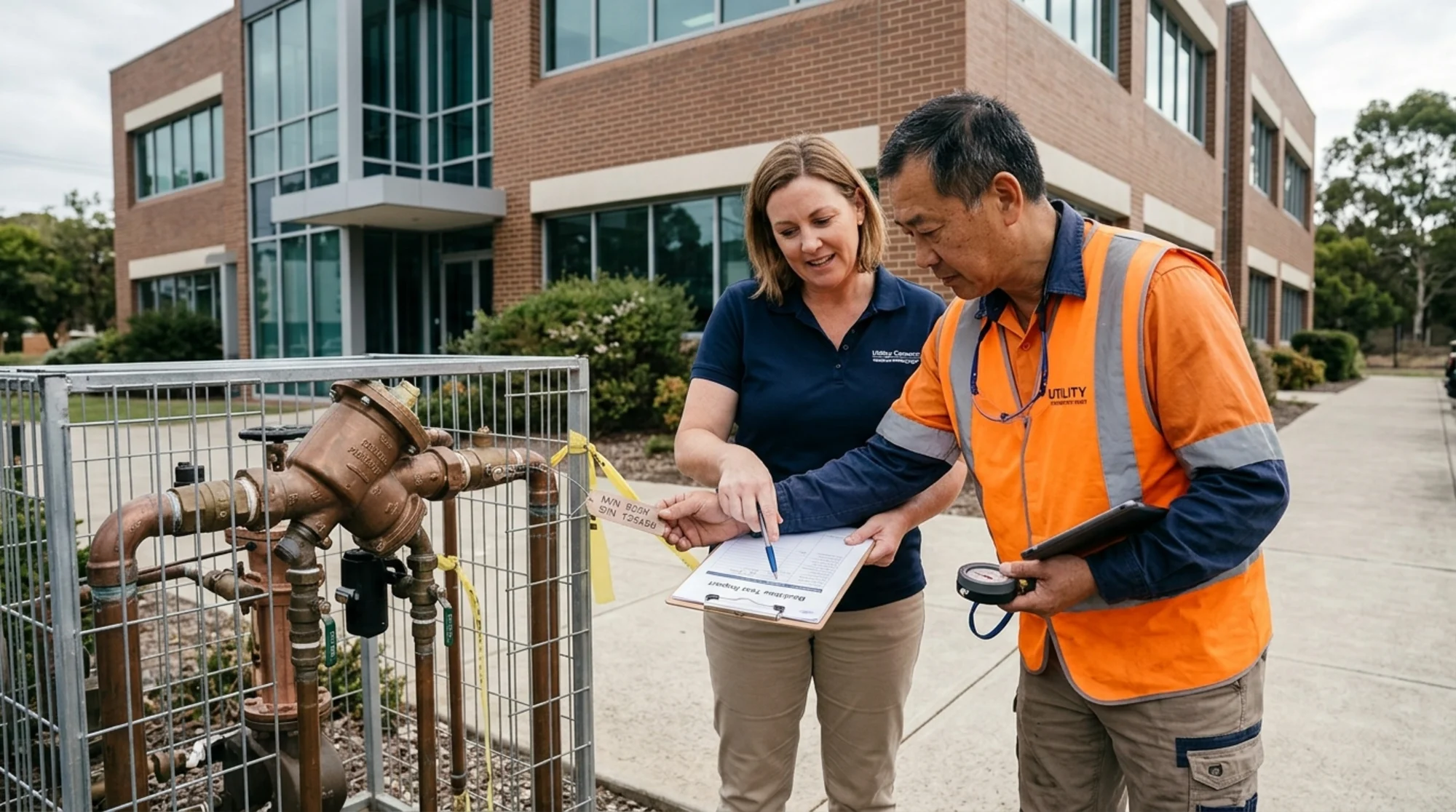
Property manager and certified tester reviewing a backflow test report and serial number details outside a commercial building
Before you start resending documents, ask the utility one direct question:
“Is the report missing, or did you receive something that could not be accepted?”
That distinction matters.
A missing report means the utility has nothing in its system. A rejected report means something was received, but it was incomplete, tied to the wrong device, missing a required credential, or otherwise could not close out the compliance record.
That second scenario is more common than many owners realize. Utilities track assemblies by details such as the service address, device type, manufacturer, model, serial number, tester information, and test-kit calibration. If one of those fields is wrong or missing, the property can still look overdue.
If you have dealt with this before, our post on why your backflow test report was rejected goes deeper on the rejection side. For the utility’s perspective, how utilities track backflow test compliance helps explain why these record mismatches happen.
Get the full paperwork from your tester the same day
Once the utility confirms there is a problem, contact the tester immediately and ask for:
- the completed test report
- the exact service address used on the form
- the assembly type, manufacturer, model, size, and serial number entered
- the tester certification or license number
- the test gauge serial number and calibration date
- proof of how the report was submitted, if the tester already filed it
- the date and time of submission, if available
Do not settle for “we sent it in.” You want the actual report and the exact submission details.
That request is reasonable. Austin Water’s tester information makes clear that testers working in its service area must be licensed by TCEQ and registered with Austin Water. Charlotte Water’s materials stress approved tester workflows and report filing. Philadelphia Water Department’s compliance page publishes its own test-and-maintenance form, technician resources, and related backflow forms. In other words, utilities expect a paper trail.
If you manage multiple sites, save this package in the property’s maintenance folder right away. A missing report problem often becomes much easier once you can compare the form in your hand with the utility’s record on screen.
Check the exact fields utilities use to match your report
A passed test does not help if it was matched to the wrong assembly. Review the form against the utility notice and look for these common mismatches:
1. Wrong serial number
This is one of the biggest failure points. A single transposed digit can leave the report floating in the system with no clean match.
2. Wrong service address or suite number
Commercial campuses, multi-tenant buildings, and properties with several meters are especially vulnerable to this.
3. Wrong assembly type
If the property has an RPZ, DCVA, or PVB on file and the form lists a different assembly, the utility may hold the record open.
4. Missing tester credential or calibration detail
Utilities often require the tester’s certification number and current gauge calibration information before they will accept the report.
5. Replacement device not updated in the utility record
If the old assembly was replaced recently, the utility may still be looking for the previous serial number. In that case, the issue is not just the annual test. It is also a records-update problem, which we cover in how to update utility records after replacing a backflow preventer.
This is where local program pages can help. If you are in Austin, Texas, Charlotte, North Carolina, or Philadelphia, Pennsylvania, compare your paperwork to the utility-specific guidance on Austin Water, Charlotte Water, or Philadelphia Water Department.
Resubmit through the utility’s accepted channel — not a guessed one
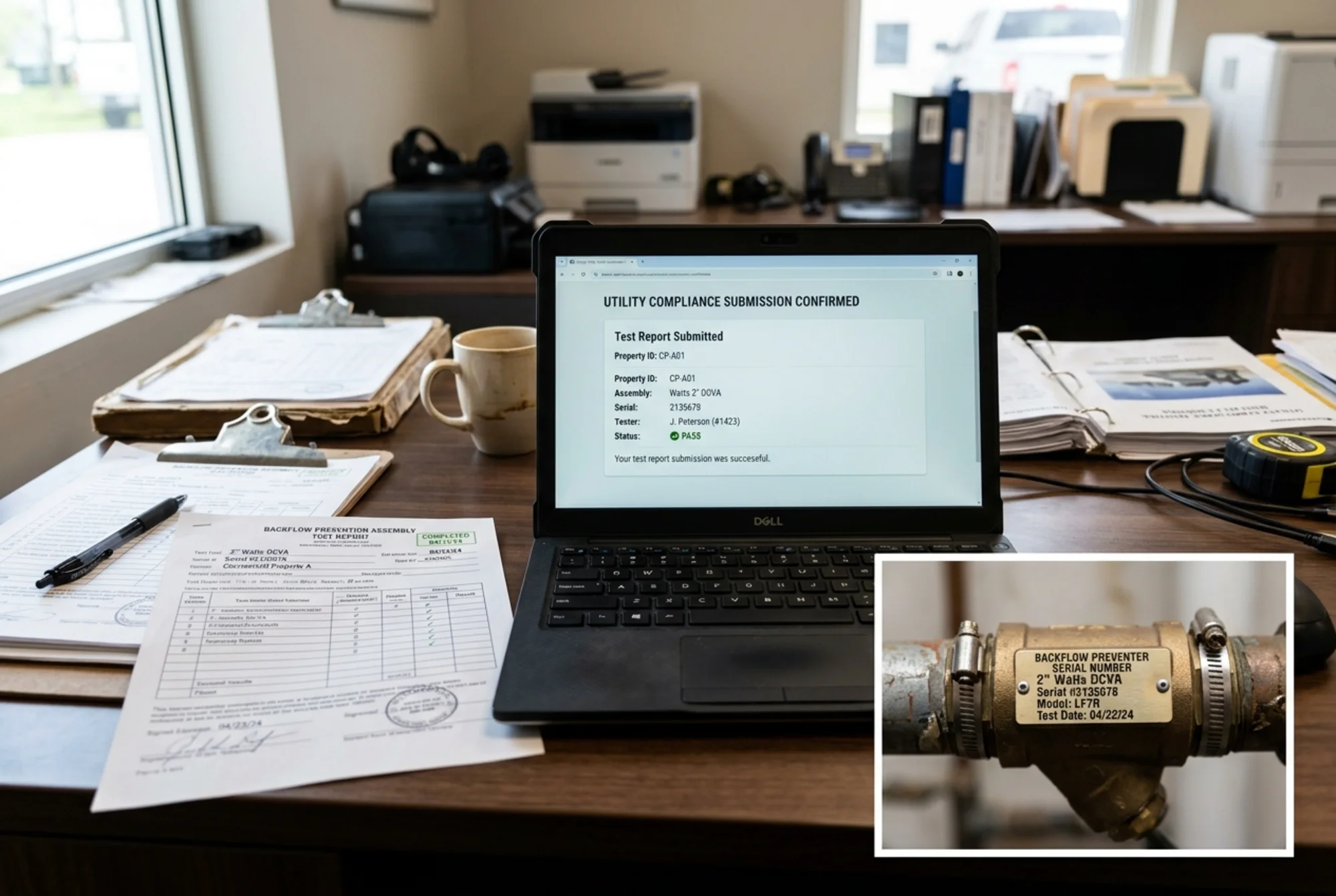 Completed backflow test report, laptop confirmation screen, and serial number tag photo arranged on a desk for utility follow-up
Once you spot the likely mismatch, ask the utility what submission method they want for this specific case.
Do not assume the right fix is always email.
Some utilities want the tester to resubmit through an online portal. Some want a utility-specific form. Some will accept owner follow-up only if it includes the completed report and supporting notes. Philadelphia Water Department, for example, publishes dedicated backflow forms and technician resources on its compliance page. Austin Water and Charlotte Water both operate structured backflow compliance programs rather than ad hoc inboxes.
A safe script is:
“We have the completed passing report. What exact channel and supporting details do you want so this assembly can be marked compliant?”
When you resubmit, include:
- the overdue notice or account reference number
- the completed report
- a short explanation of the mismatch you found
- a clear note if the tester already filed once
- photos of the serial tag if the utility questions the assembly identity
Keep the follow-up short and factual. Utilities are trying to close the correct record, not read a long narrative.
If the device failed first, send the final passing paperwork
Sometimes owners think the utility is missing the report when the real issue is that the utility has the failed report but not the passing retest.
That matters because utilities do not close the annual requirement just because someone tested the assembly. They close it when they have acceptable documentation showing the device is in compliant condition.
If repairs were made, confirm you have:
- the initial failed report, if needed for the file
- the repair notes
- the final passing retest
- any updated device information if parts or the full assembly changed
If the property recently had a replacement, repair, or serial-number change, tell the utility that upfront. It is often the fastest path to the right queue inside the compliance office.
Stay on it until the utility confirms the record is closed
This is the step owners skip most often.
Do not assume that resubmitting the report automatically clears the notice. Ask for confirmation that the property is now shown as compliant, or at minimum that the report is under review and attached to the correct record.
Good follow-up proof can include:
- a portal screenshot
- a confirmation email
- the utility representative’s name
- a ticket or case number
- a date the record was updated
If you receive another notice after that, you will have something concrete to reference instead of starting over from scratch.
For portfolios and shared systems, add the final confirmation to your internal compliance log immediately. That habit makes the next cycle much easier and gives you backup if the utility’s data drifts again.
The most common reasons this happens
Across utility programs, the repeat offenders are pretty consistent:
- the tester submitted to the wrong department or portal
- the utility record still shows an old serial number
- the report used an incomplete address or wrong suite
- a passing retest was never sent after an initial failure
- the tester credential or gauge calibration detail was missing
- the report was filed, but nobody confirmed the compliance record actually closed
None of those problems change the fact that the device was tested. But they do change whether the utility can prove that in its system.
The bottom line
If your utility says it never received your backflow test report, treat it as a record-matching problem to solve quickly, not as a reason to panic.
Get the completed paperwork from the tester, compare every identifying field against the utility notice, resubmit through the accepted channel, and follow through until the account is explicitly marked compliant.
That extra follow-up can be the difference between a routine annual test and weeks of avoidable notices.
If you want to prevent the same headache next year, pair this guide with how to submit your backflow test report to your water utility and how utilities track backflow test compliance.
Sources
This article references guidance and regulations from authoritative sources including:
- U.S. Environmental Protection Agency (EPA) - Safe Drinking Water Act overview
- U.S. Environmental Protection Agency (EPA) - Cross-Connection Control Manual (PDF)
- American Water Works Association (AWWA) - Cross-Connection Control & Backflow Prevention resources
- Austin Water - Cross Connection Control / Water Protection Program
- Austin Water - Backflow Prevention Assembly Tester Information
- Charlotte Water - Commercial Development / Backflow
- Texas Commission on Environmental Quality (TCEQ) - Cross-Connection Control and Backflow Prevention
- Philadelphia Water Department - Cross-Connection & Backflow Compliance
- Pennsylvania Department of Environmental Protection - Bureau of Safe Drinking Water
- Centers for Disease Control and Prevention (CDC Archive) - Healthy Water: Drinking Water
Last updated: May 30, 2026