What to Do If Your Utility Says the Serial Number on Your Backflow Test Report Does Not Match Their Records
If your utility says the serial number on your backflow test report does not match its records, the problem is usually not the field test itself. It is a record-matching problem.
Utilities use details like address, physical location, make, model, and serial number to connect one specific device to one specific compliance record. If that chain breaks, a passing test can still be treated like an unresolved file.
Stay calm and get literal. Compare the tag on the assembly, the report the tester filed, and the exact device the utility thinks is on site. In many cases, the fix is straightforward once all three line up.
For broader context, keep why backflow testing is required, how to find your backflow preventer serial number quickly, and our FAQs open while you work through it.
Why utilities care so much about the serial number
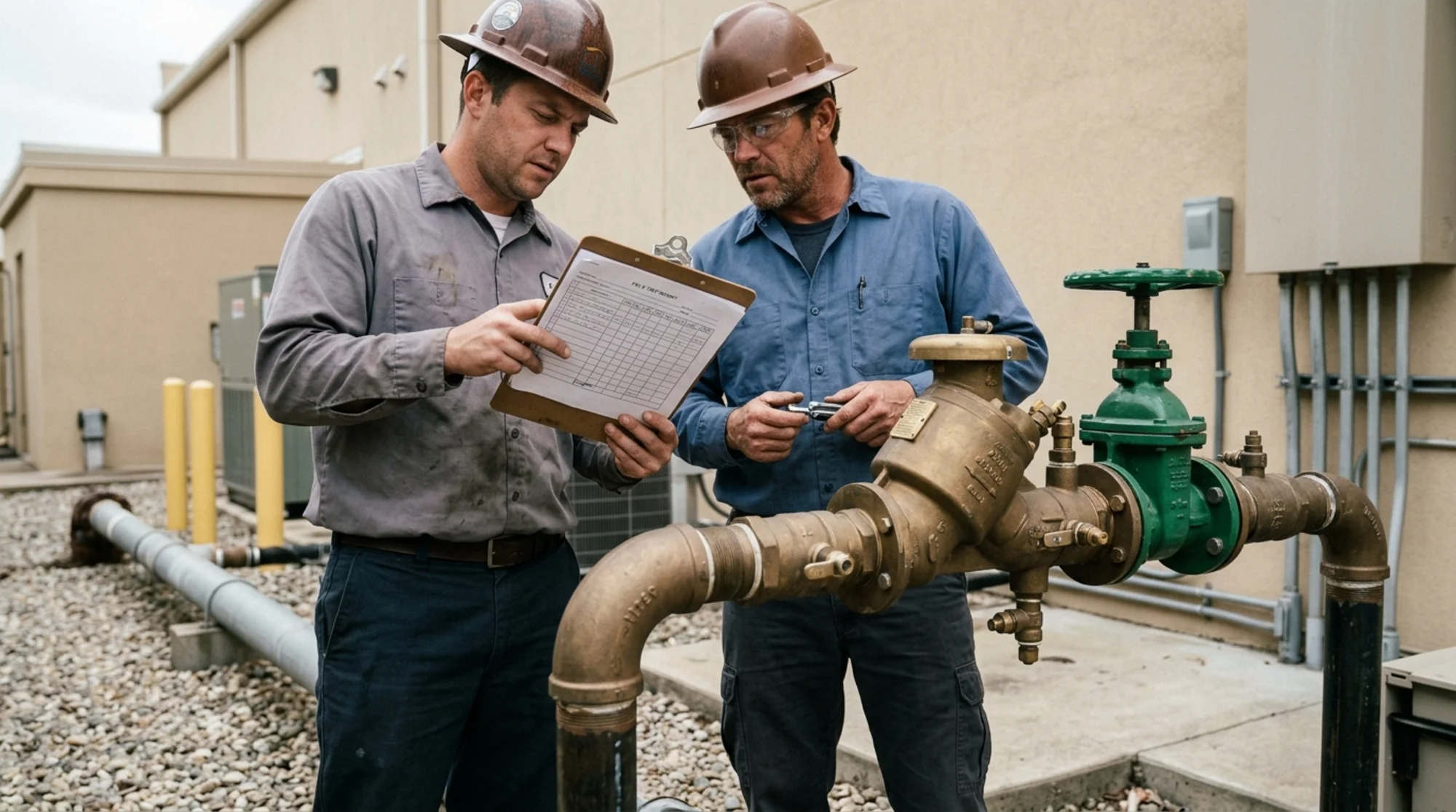
Property manager and certified backflow tester comparing a brass backflow assembly serial tag with a printed field test report beside a commercial water service, realistic natural lighting, no readable text
A serial number mismatch can feel petty, but utilities are trying to prove that the correct assembly protecting the water system was tested, by the right tester, on the right property record.
EPA says the Safe Drinking Water Act protects public health by regulating the nation’s public drinking water supply. CDC likewise notes that harmful germs or chemicals can get into drinking water while it is being piped to homes and businesses.
That is why official programs ask for very specific identifying details.
Austin Water says each Test and Maintenance Report must include the backflow prevention assembly’s physical address and location on the premises, plus the manufacturer, size, model number and serial number. Seattle Public Utilities says test reports must be completed according to its guidelines and the Washington Administrative Code, and Seattle’s own report form includes fields such as service address, preventer physical location, assembly make, model, and serial #. Philadelphia’s test and maintenance record likewise includes fields for address, location of assembly, manufacturer, model, and serial number.
In other words, utilities are matching more than a street address. They are matching the exact device record.
If you want local orientation while comparing programs, our city pages for Austin, Texas, Seattle, Washington, and Philadelphia, Pennsylvania are useful starting points.
What a serial number mismatch usually means in practice
A mismatch does not automatically mean someone lied or that the assembly failed.
More often, it points to a few ordinary problems:
1. The wrong number was typed onto the report
A single transposed digit can be enough to keep the utility from matching the assembly.
2. The assembly was replaced, but the utility still has the old serial number on file
This is common after replacements, repairs, freeze damage, or property turnover. If that sounds familiar, read how to update utility records after replacing a backflow preventer.
3. The tester documented the wrong assembly on a multi-device property
Commercial sites, HOAs, schools, and mixed-use properties may have more than one testable assembly, so a report can drift onto the wrong location record.
4. The location field, report template, or tag reading was wrong
The report may show the wrong courtyard, riser room, irrigation line, fire line, or a misread serial tag.
The right first move is comparing records line by line.
What to do right away when the utility flags the mismatch
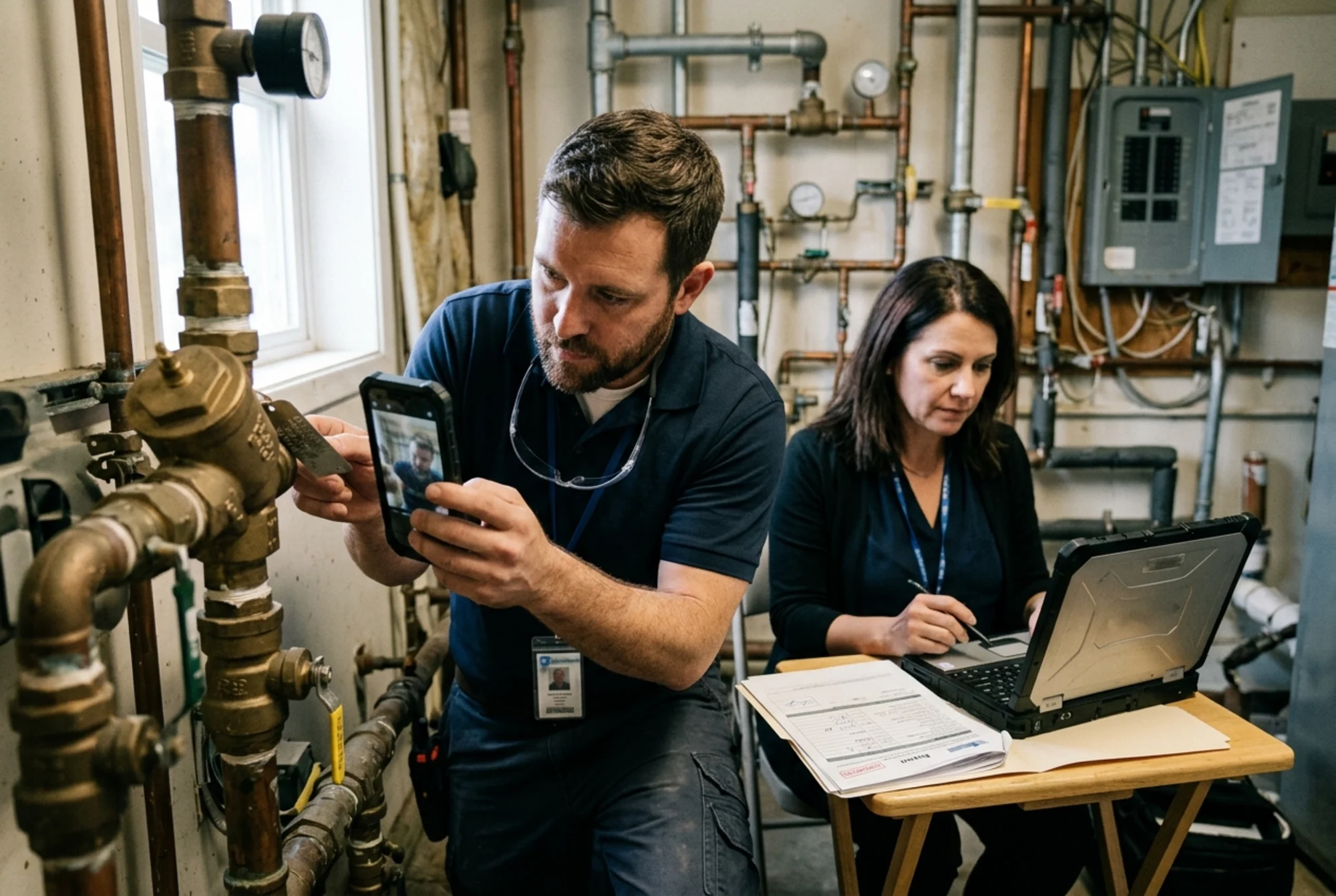 Close-up of a certified backflow tester photographing a model and serial tag while a property manager checks a utility portal and completed report on a laptop, realistic documentary style, no readable text
Move in this order.
1. Ask the utility what serial number it has on file
Use direct wording:
“Can you tell me the serial number, assembly location, and any other identifying details you currently have on file for this address?”
You need the utility’s version before you can tell whether the problem is a typo, an outdated record, or the wrong assembly altogether.
2. Get the exact report that was submitted
Ask the tester for the filed report, not just a verbal summary. Confirm:
- service address
- physical location of the assembly
- manufacturer and model
- serial number
- test date
- gauge information
- proof of submission, if available
If the tester filed through a portal, ask for the PDF, screenshot, or exported copy that shows what was actually submitted.
3. Photograph the tag on the actual assembly
Take clear photos of:
- the serial tag
- the full assembly
- surrounding piping or location context
- any nearby label that helps identify the specific device
That gives you the fastest way to separate a reporting typo from a real inventory mismatch.
4. Check whether the device was ever replaced, relocated, or removed
Austin Water explicitly says removal or replacement events must be reported. If the utility still has the old serial number in its system, a perfectly accurate new report can still look “wrong” until the record itself is updated.
5. Ask what closes the record in your program
Do not stop at “the serial number does not match.” Ask:
“Do you need a corrected test report, a facility update, proof of replacement, or a brand-new test?”
That question matters because utilities separate annual test paperwork from facility updates in different ways. Philadelphia, for example, publishes both a Facility Update on Backflow Prevention form and a separate Backflow Prevention Assembly Test and Maintenance Record.
If the issue may also involve bad paperwork more broadly, why your backflow test report was rejected is the best companion read.
When a corrected report may be enough
In the best-case version, the utility and the tester are both talking about the same assembly, and the mismatch came from simple data entry.
A corrected report may be enough when:
- the tag photo matches the utility record,
- the wrong digit appears to be a typo,
- the model and location are otherwise consistent,
- and the tester can quickly refile a corrected form through the right channel.
Seattle’s and Austin’s guidance both treat the report as a detailed compliance document, not just a pass/fail note.
If the tester confirms the same device was tested, the fastest closeout is often:
- corrected report,
- confirmation that the utility received it,
- and proof that the record now shows compliant.
When the problem is bigger than a typo
A corrected report may not be enough when:
- the assembly on site is a replacement unit with a different serial number,
- the report was filed under the wrong assembly location,
- the property has multiple assemblies and the wrong one was tested,
- the utility still has an obsolete device on file,
- or the mismatch exposed a broader record problem after a repair or ownership change.
In those cases, the utility may want more than a revised PDF: an update to the assembly record itself, supporting photos, a facility update form, or proof that the old assembly record should be retired.
Washington’s Department of Health emphasizes required field-test report content, and official forms in Washington, Seattle, Austin, and Philadelphia all show the same pattern: utilities expect enough information to identify one exact assembly. If they cannot do that confidently, they may refuse to close the file.
That is also why it helps to review utility-specific pages such as Austin Water backflow testing and Philadelphia Water Department backflow testing before pushing the tester to “just resend it.”
A simple checklist that prevents this next year
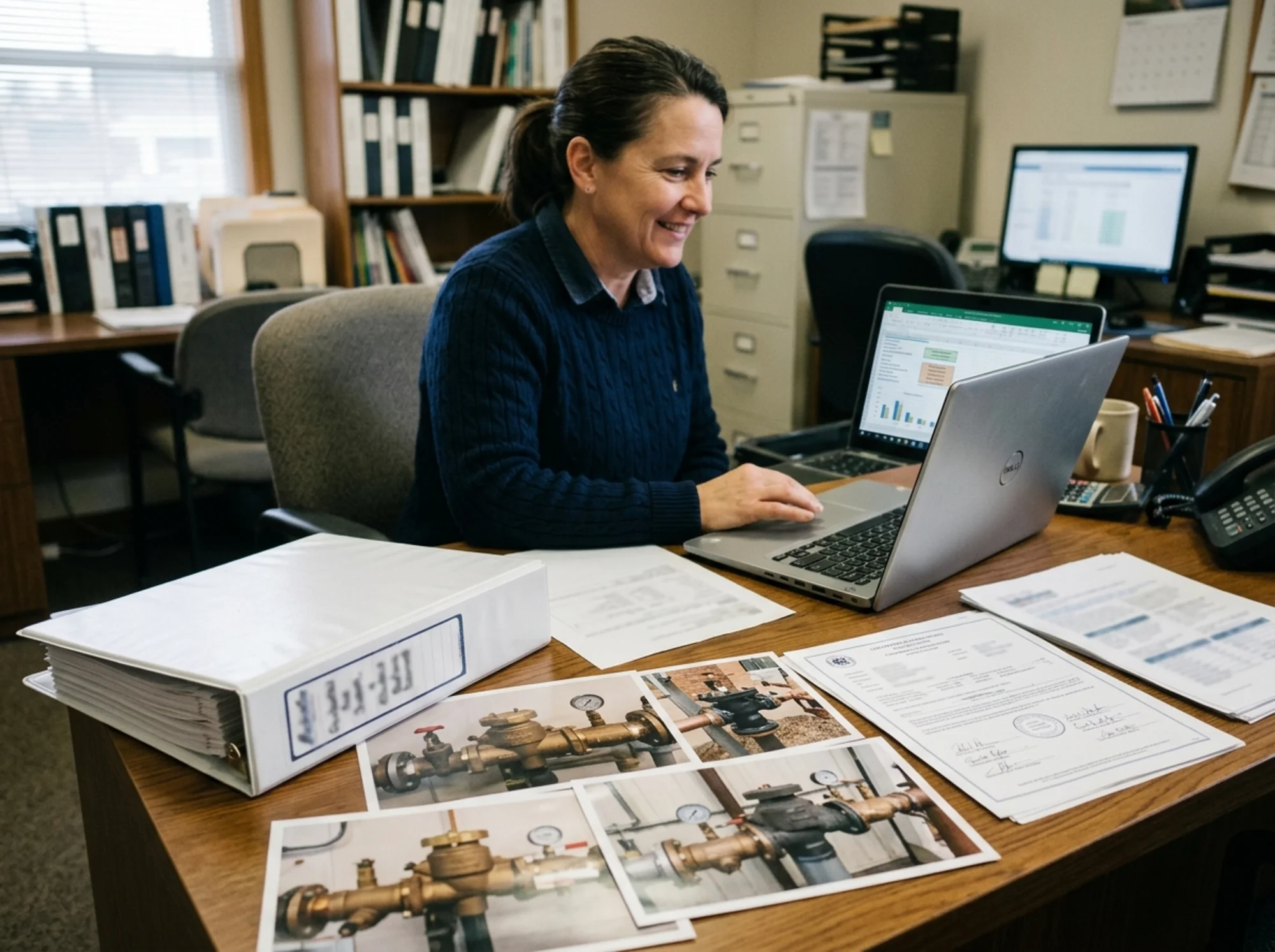 Organized compliance desk with a labeled binder, backflow assembly photos, calibration certificate, and a property manager confirming accepted utility records on a laptop, realistic office lighting, no readable text
The easiest way to avoid repeat mismatches is to treat assembly identification as part of the test, not as an afterthought.
Before the tester leaves, verify the location description matches the site, the manufacturer/model/serial number were copied from the tag, any replacement or removal details were noted, you received a copy of the completed report, and you know who is submitting it.
For larger properties, keep one simple assembly log with the utility name, exact device location, manufacturer, model, serial number, last passing test date, replacement history, next due date, and any utility case number.
That kind of file is boring, but it prevents a lot of chaos later.
The bottom line
If your utility says the serial number on your backflow test report does not match its records, do not assume the issue will clear on its own.
Treat it as a precise record problem:
- confirm what the utility has on file,
- compare it against the submitted report,
- verify the tag on the actual assembly,
- and ask what exact document will close the mismatch.
Sometimes the answer is a corrected report. Sometimes it is a replacement-record update. Either way, the fastest path is a clean match between the utility record, the report, and the physical device on site.
Sources
This article references guidance and regulations from authoritative sources including:
- U.S. Environmental Protection Agency (EPA) - Overview of the Safe Drinking Water Act
- American Water Works Association (AWWA) - Cross-Connection Control & Backflow Prevention resources
- Washington State Department of Health - Cross-Connection Control and Backflow Prevention
- Washington State Department of Health - Sample Backflow Preventer Inspection and Field Test Report
- Seattle Public Utilities - Backflow Assembly Testing
- Austin Water - Backflow Prevention Assembly Tester Information
- Philadelphia Water Department - Cross-Connection & Backflow Compliance
- Philadelphia Water Department - Form 79-770 Backflow Prevention Assembly Test and Maintenance Record (PDF)
- Centers for Disease Control and Prevention (CDC) - About Drinking Water
Last updated: June 3, 2026