How Property Management Software Can Track Backflow Compliance
If you manage more than one property, backflow compliance becomes a coordination problem long before it becomes a plumbing problem. The device still has to be installed correctly, tested by the right professional, and repaired when needed, but the day-to-day risk usually lives in missed reminders, scattered PDFs, unclear ownership, and incomplete records.
That is where property management software can help. Not because software replaces the utility, the certified tester, or the licensed plumber. It does not. It helps because it gives you one place to track the things that actually drive compliance: deadlines, assembly details, test reports, follow-up work, and proof that the required steps happened.
This article is a practical guide to what software should track, what it cannot do for you, and how to set up a workflow that works for one building or a large portfolio. For a broader primer on why these rules exist in the first place, start with why backflow testing is required.
What software can and cannot do
Property management software is best used as a control layer, not as the compliance authority.
A good system can help you:
- track annual test due dates and reminder windows
- store assembly details by property and service line
- keep test reports, maintenance records, and invoices together
- assign tasks to staff, vendors, or regional managers
- flag failed tests, open repairs, and missing documents
- show portfolio-wide status in one dashboard
- create an audit trail for owners, buyers, or internal operations
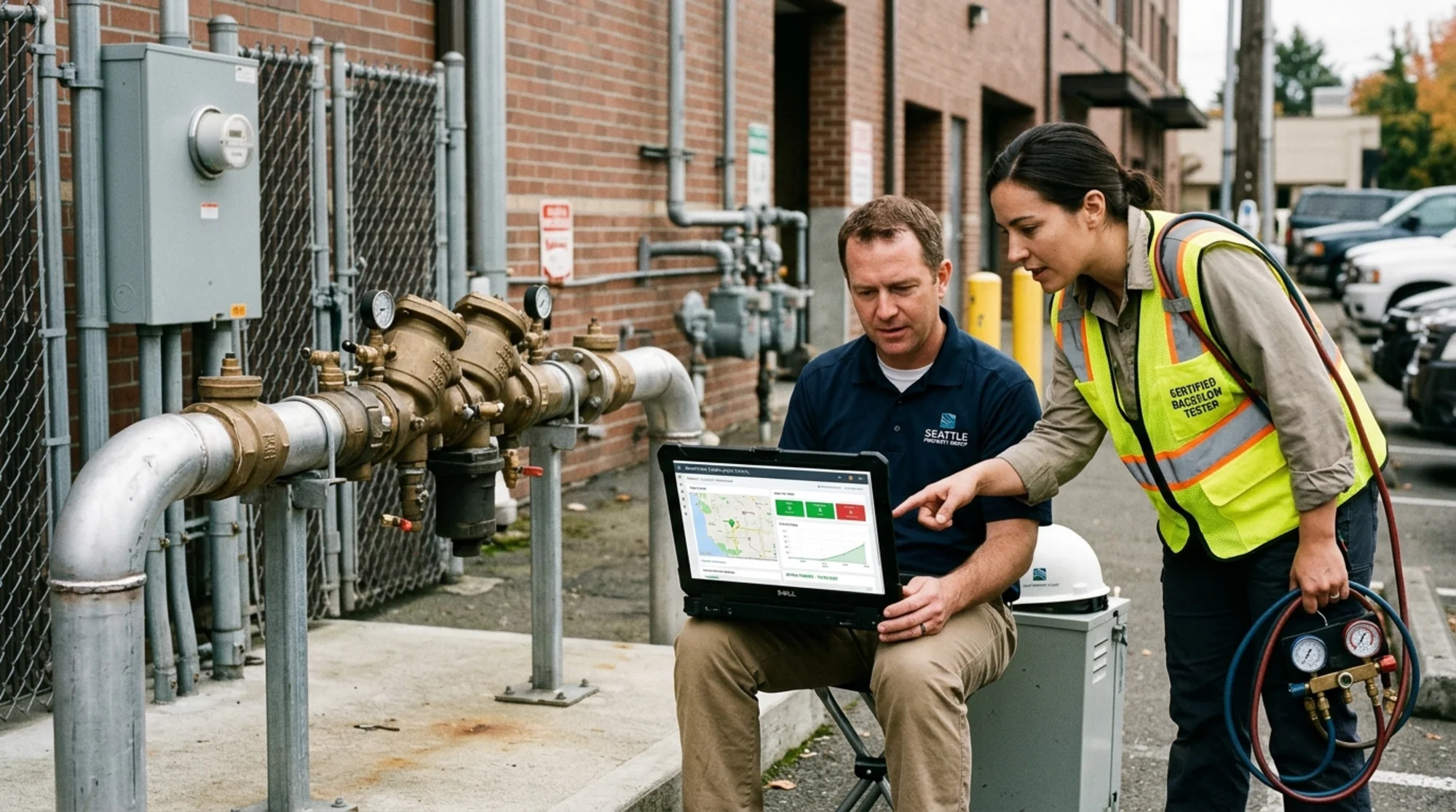
Property manager reviewing a backflow compliance dashboard on a laptop with a certified backflow tester standing beside an outdoor commercial assembly, realistic utility setting, natural lighting
What it cannot do is just as important. Software cannot decide whether a property needs a device, whether the assembly type is correct for the hazard, or whether a test report meets a specific utility's current requirements. Those questions still flow through official rules and local program guidance.
The EPA explains that the Safe Drinking Water Act exists to protect public health by regulating public drinking water systems, and local utilities enforce the practical side of that protection. Seattle Public Utilities, for example, states that annual testing by a certified Backflow Assembly Tester is the only way to ensure an assembly is functioning properly. New York City DEP says certain property types are legally required to install and operate devices and that annual testing is required every 12 months after installation. In other words, software helps you manage the work, but it does not change the work.
The core fields every compliance system should track
If you are setting up a software workflow, start with the data model, not the reminders. Weak records create weak reminders.
At minimum, each tracked assembly should have:
- property name and address
- service-line count, if a site has more than one water service
- device location on site
- device type, make, model, and serial number
- installation date, if known
- annual test due date
- last completed test date
- most recent test result, passed or failed
- tester name and company
- utility or program name
- uploaded test report and related documents
- repair status, if a failure occurred
- final submission or acceptance status
This matters because utility programs often require more than a simple "done" checkbox. Washington's Department of Health publishes minimum field test report content requirements and a sample report to help systems and testers comply. Philadelphia Water Department publishes named forms for facility updates, installation permits, technician registration, and test and maintenance records. Seattle notes that test reports cannot be submitted unless tester certification and calibration documents are on file in its system. If your software only records a date and a vendor name, you are still one missing PDF away from a scramble.
For that reason, many teams get more value by treating backflow like an asset register plus a compliance register, not a calendar event. The software should know what the assembly is, where it is, what happened last time, and what is still unresolved.
Build the workflow around the real compliance sequence
The easiest way to make software useful is to mirror the real sequence of work.
A simple workflow usually looks like this:
- Inventory the assemblies. Confirm each property, service line, and assembly that needs tracking.
- Set the due date and reminder ladder. Do not rely on the utility notice alone.
- Assign the tester. Include primary and backup vendors if you manage a portfolio.
- Collect the report. Store the actual report, not just the summary.
- Handle failures fast. Create a repair task immediately if a test fails.
- Record final status. Mark whether the report was submitted and accepted, where that is required.
- Roll the next cycle forward. Advance the due date only when the current cycle is fully closed.
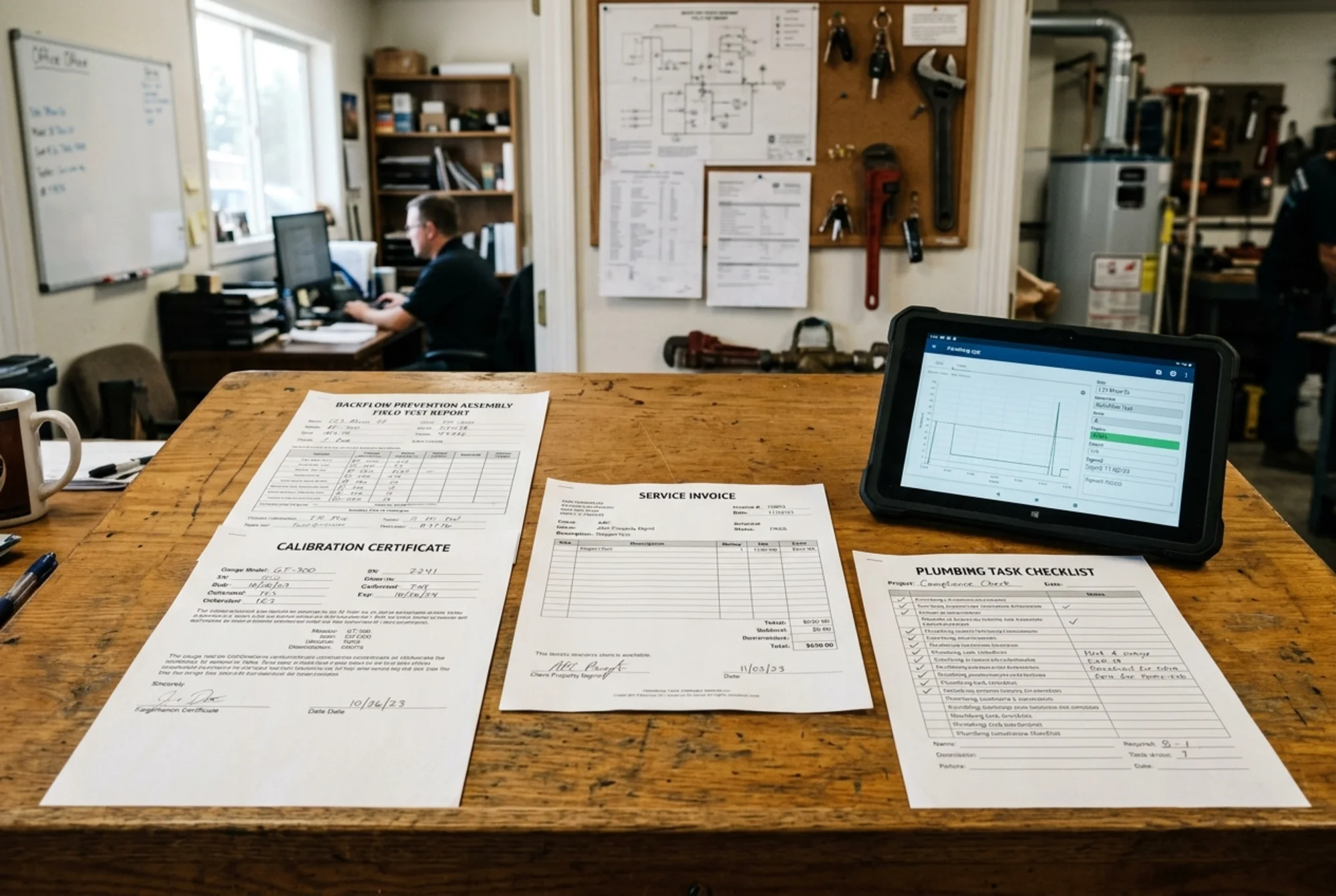 Close-up of organized compliance paperwork including a backflow field test report, calibration certificate, service invoice, and task checklist beside a tablet, realistic office and plumbing context
This sequence sounds simple, but it is where software earns its keep. A calendar reminder by itself does not tell you whether a property has two service lines, whether the tester uploaded the signed report, or whether a failed device is still waiting on parts. A workflow does.
If you are already using operational planning tools, combine this with a recurring process like the one described in how to create a backflow compliance calendar for your business. If you are managing multiple sites at once, pair it with how to schedule backflow testing for multiple properties.
Where software helps the most in multi-property portfolios
Single-building owners can often manage backflow with a folder and a few reminders. Portfolio managers usually cannot. Once you are juggling HOAs, office buildings, retail sites, schools, or mixed-use properties, the operational risk shifts from one missed deadline to an inconsistent system.
The biggest gains usually come from four capabilities.
1. Portfolio visibility. You can see which properties are due this month, which ones failed, and which ones still have missing paperwork.
2. Standardized documentation. Staff turnover hurts less when records live in the system instead of one person's inbox.
3. Utility-specific notes. This is underrated. Seattle, Philadelphia, Portland, and New York City all communicate requirements a little differently. Your software should allow a property-level note for utility contact details, submission rules, required forms, or site-specific instructions.
4. Easier owner reporting. Owners and asset managers usually want a short status summary, not a stack of scanned forms. Software can convert the underlying records into a clean monthly compliance report.
This is also where a calm ROI case becomes visible. The return is not magic. It is fewer surprise failures in process, faster follow-up, and less time wasted reconstructing what happened. That is the same logic behind ROI of proactive backflow maintenance vs reactive repairs.
What to ask before you buy or build a system
Not every property management platform is a good fit for compliance tracking out of the box. Some handle recurring tasks well but are weak at document retention. Others can store files but do not handle asset-level workflows cleanly.
Before you buy or customize anything, ask these questions:
- Can one property have multiple devices or multiple service lines?
- Can you store documents at the assembly level, not just the building level?
- Can the system track failed tests separately from passed ones?
- Can it assign and escalate repair tasks automatically?
- Can it export a clean history for an owner, lender, or buyer?
- Can it store utility-specific instructions and due-date logic?
- Can it distinguish between "test completed," "report submitted," and "issue closed"?
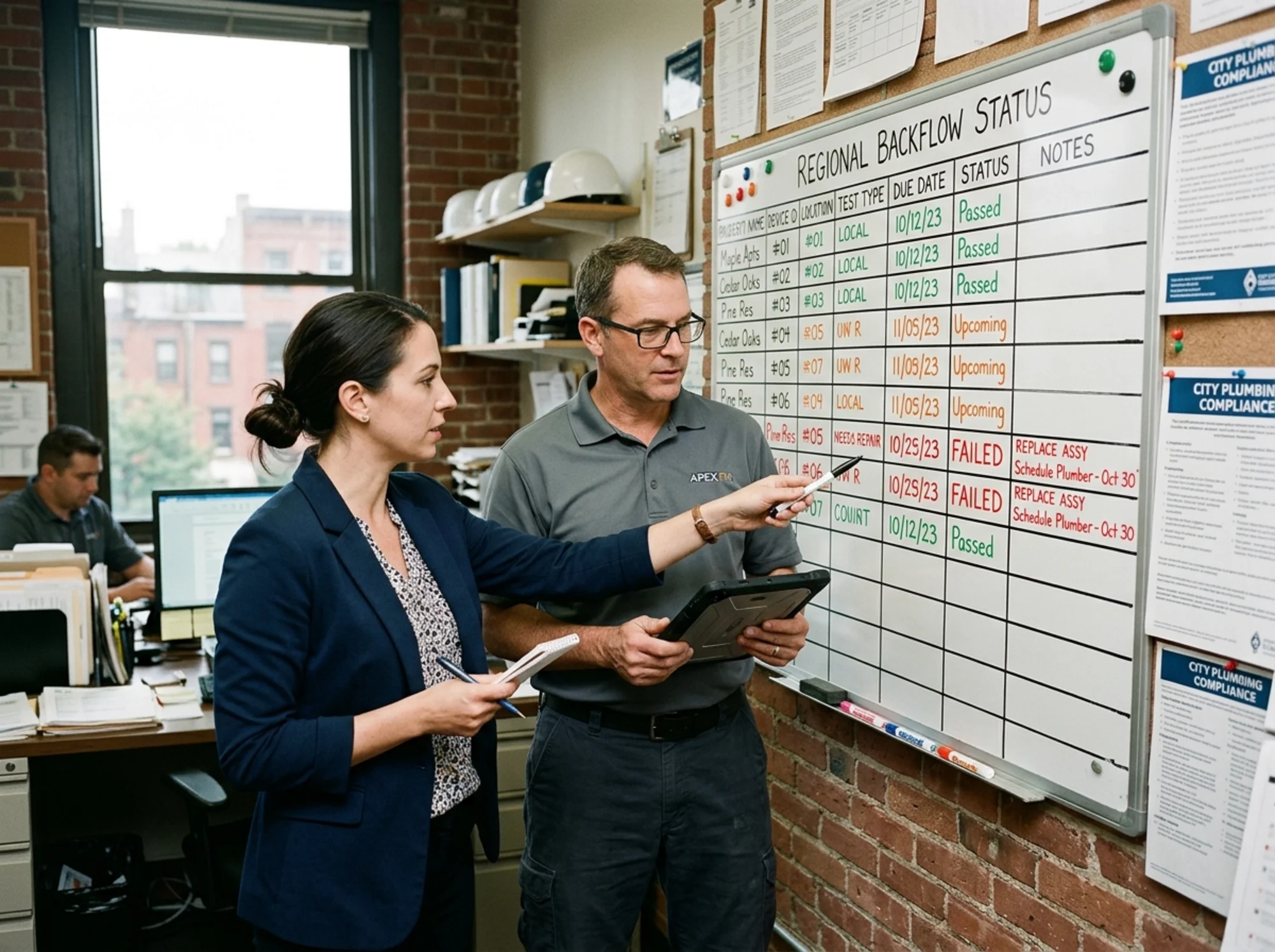 Regional property manager and facilities coordinator reviewing a multi-property backflow status board with color-coded due dates and repair tasks, realistic office setting, natural light
Those last distinctions matter. New York City DEP notes that after installation, annual testing must continue every 12 months and failure to perform the annual test could result in fines or water-service disconnection. Philadelphia publishes official forms and technician lists. Washington DOH publishes tester and field-report resources. Your software should support that real-world paperwork chain instead of flattening everything into a generic maintenance ticket.
A practical setup for FindBackflowTesters users
If you want the simplest workable version, do not overcomplicate it.
Start with one tracked record per assembly. Add the annual due date. Attach the latest report. Add a status field with five states: due soon, scheduled, passed, failed, closed. Then add one custom field for the utility or program that governs that property.
From there, link the software workflow to real local context:
- use city pages like Seattle, WA, Austin, TX, and Philadelphia, PA for market-specific planning
- review utility program summaries like Austin Water's backflow testing program and the Philadelphia Water Department backflow testing program
- keep a quick-reference help link to the site's FAQs
- when you need a vendor, find a tester before the deadline window gets tight
That setup is not fancy, but it is usually enough to prevent the most common failure mode, which is not "the device broke." It is "we lost the thread."
Bottom line
Property management software is useful for backflow compliance when it behaves like an operational memory system. It should remember the asset, the deadline, the documents, the failed steps, and the next action. If it only reminds you that something is due, it is too shallow. If it helps you prove what happened and what still needs attention, it is doing real work.
The goal is not to turn compliance into a complicated software project. The goal is to make sure annual testing, repair follow-up, and recordkeeping happen consistently across the properties you manage. Done right, software reduces scramble, shortens handoffs, and makes it much easier to stay aligned with the utility's actual process.
Sources
This article references guidance and regulations from authoritative sources including:
- U.S. Environmental Protection Agency (EPA) - Overview of the Safe Drinking Water Act
- Centers for Disease Control and Prevention (CDC) - Preventing Drinking Water-Related Illnesses
- Washington State Department of Health - Cross-Connection Control and Backflow Prevention
- Seattle Public Utilities - Backflow Assembly Testing
- Philadelphia Water Department - Cross-Connection & Backflow Compliance
- New York City Department of Environmental Protection - Backflow Prevention Frequently Asked Questions
- Portland Water Bureau - How to choose and install a backflow prevention assembly
- American Water Works Association (AWWA) - Cross-Connection Control & Backflow Prevention resources
Last updated: May 22, 2026